Stringr keeps track of the progress of an order through the Order status field. Read below for the meaning of different statuses and their effect on the order.
Open | The order has been submitted, but the racquets have not been dropped off yet. Every new order receives this status be default. Open orders can be modified or cancelled. |
In progress | The racquets have been dropped off and the stringer is working on the restring. It is recommended to have a stringer assigned to an "in progress" order. Once the order is marked as "in progress", it cannot be modified or cancelled. |
Completed | The restring has been completed and the racquets are ready to be picked up. Customers who have an email address on file are notified when the order is moved to Completed status. |
Picked up | The racquets have been picked up by the customer, the order is closed. |
Payment status is maintained in its own dedicated field and is not affected by the order progress status or any other fields.
A promo code can be applied to an order after the order submission as long as the order is not paid yet.
Promo codes cannot be applied to paid orders.
If an order has been paid for and it still has the "open" status, it can be edited.
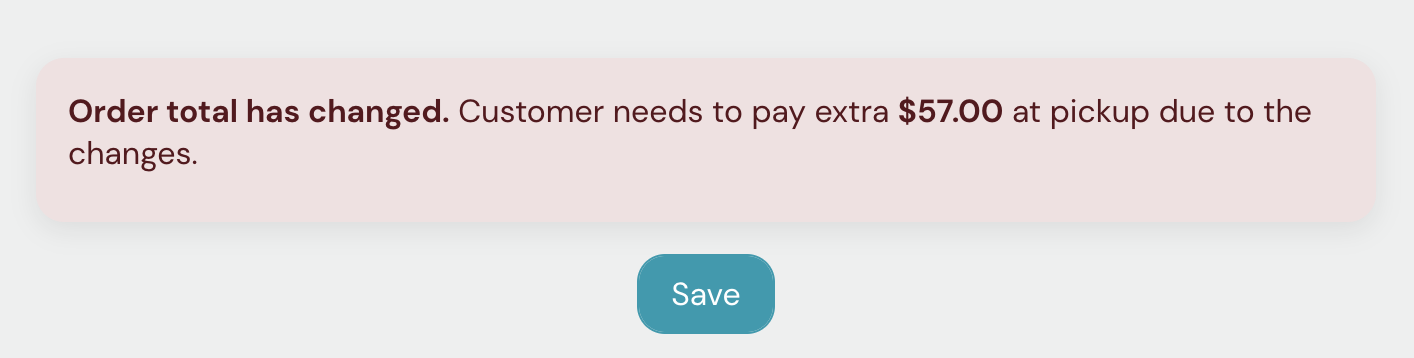
Editing the order could result in a change in the order total (e.g., reduced racquet quantity, or added overgrip to all racquets). In that case, the order page will display a banner to inform the admin of the amount to be charged to the customer or refunded to them.